
Upcoming Student Training
The TEL department provides student training throughout the year, addressing a range of topics to ensure that everyone is getting the most out of the tools and platforms we provide. We also continue to update our self-paced Canvas-based courses for staff and students, including Canvas Learn for Students and the Student Assessment Guide
As always, please feel free to reach out to our team with questions or comments at edtech@mtu.ie

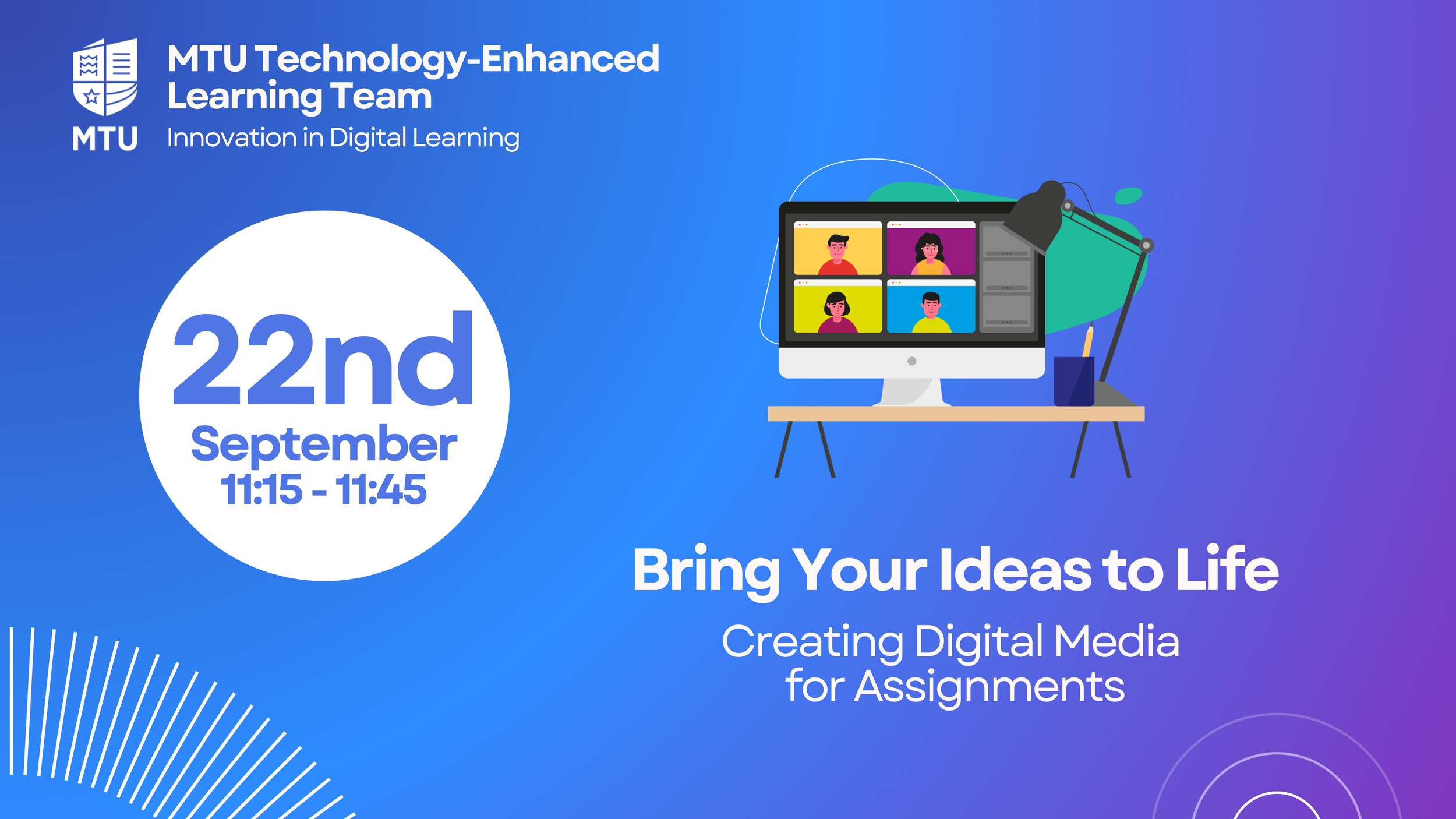
Bring Your Ideas to Life: Creating Digital Media for Assignments
Bring your ideas to life with practical tips for creating engaging digital assignments. This session explores best practices for video and presentation design, using the Canvas Rich Content Editor, and submitting assignments with rich media.
Assessments in Canvas for Students
This session focuses exclusively on managing assessments in Canvas, serving as both a guide for new students and a refresher for existing ones. Students will learn to locate assignments, understand different assignment types, and track due dates and marks allocation. The session covers the complete submission process, including how to confirm successful submission and view grades. Participants will also discover troubleshooting solutions for submission difficulties and available student support for assessments.
Canvas and Zoom for Students
This refresher session helps returning MTU students start the new semester effectively by optimising their use of Canvas and Zoom. Students will learn to organise their new modules on the dashboard, communicate efficiently with lecturers, and utilise the Canvas calendar for better time management. The session covers essential tasks like accessing course materials, joining online classes through Zoom, and submitting assignments. Participants will also be reminded of the Canvas mobile app and available student support resources to maximise their academic success.
Assessments in Canvas for Students
This session focuses exclusively on managing assessments in Canvas, serving as both a guide for new students and a refresher for existing ones. Students will learn to locate assignments, understand different assignment types, and track due dates and marks allocation. The session covers the complete submission process, including how to confirm successful submission and view grades. Participants will also discover troubleshooting solutions for submission difficulties and available student support for assessments.
Assessments in Canvas for New Students
This session focuses exclusively on managing assessments in Canvas, serving as both a guide for new students and a refresher for existing ones. Students will learn to locate assignments, understand different assignment types, and track due dates and marks allocation. The session covers the complete submission process, including how to confirm successful submission and view grades. Participants will also discover troubleshooting solutions for submission difficulties and available student support for assessments.
Canvas and Zoom for New Students
This session introduces new MTU students to Canvas, the university's learning management system (LMS), helping them navigate it with confidence. Students will learn essential skills incl. logging in, using the dashboard, accessing course materials, and communicating with lecturers. The session covers practical tools like the Canvas calendar for time management, joining online classes through Zoom, and submitting assignments. Students will also discover the mobile Canvas app and available support resources to enhance their learning experience here at MTU.
Canvas and Zoom in MTU: Refresher for Returning Students
This refresher session helps returning MTU students start the new semester effectively by optimising their use of Canvas and Zoom. Students will learn to organise their new modules on the dashboard, communicate efficiently with lecturers, and utilise the Canvas calendar for better time management. The session covers essential tasks like accessing course materials, joining online classes through Zoom, and submitting assignments. Participants will also be reminded of the Canvas mobile app and available student support resources to maximise their academic success.